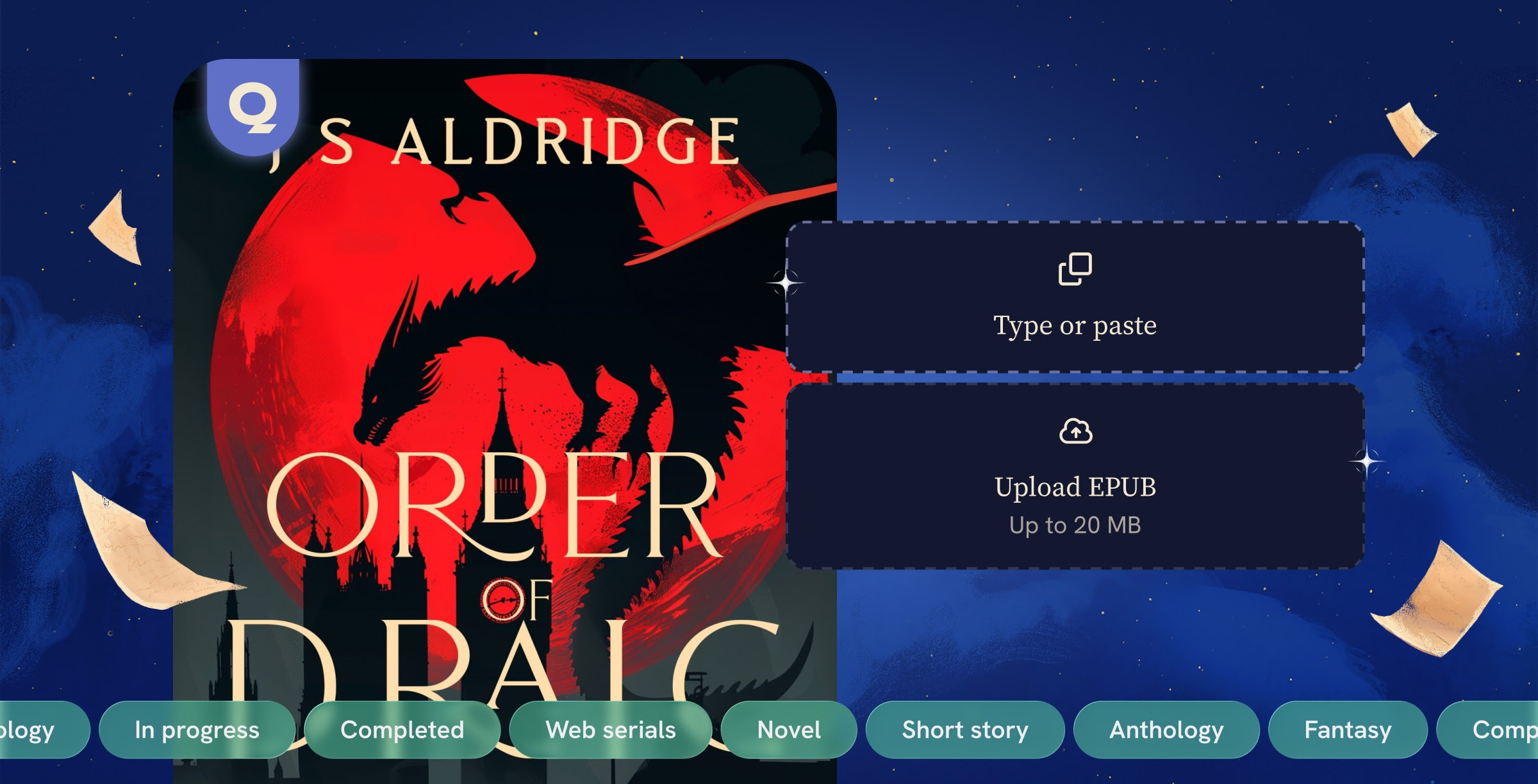
Publishing your book to Quibble is now faster and simpler than ever. This guide walks you through our updated submission process so you can release your book to readers.
If your story is approved for monetization, you will earn revenue the moment someone reads just a few pages. More about monetization in our next post.
Now let's dive into how you can publish your book.
💡 Updated Publishing Workflow
Publishing on Quibble has been updated and streamlined since this post was written. The principles in this guide remain true, but your experience in the dashboard will be even smoother.
What changed?
Previously, submitting work on Quibble required to first send a preview of the work and a plot outline. Once accepted, authors were required to complete a multi-step form and provide a cover art, an epub and metadata for each chapter. This process was complex and time-consuming.
We have now completely reworked it and simplified the whole flow to a 4-parts form – General, Metadata, Content, and Terms – with far fewer inputs needed. Authors can directly submit the content of their work by choosing to provide each chapter individually or upload an EPUB. Metadata for each chapter is now fully automated.
We're detailing each step below and will guide you to easily complete your submission.
How to publish your book in 4 steps
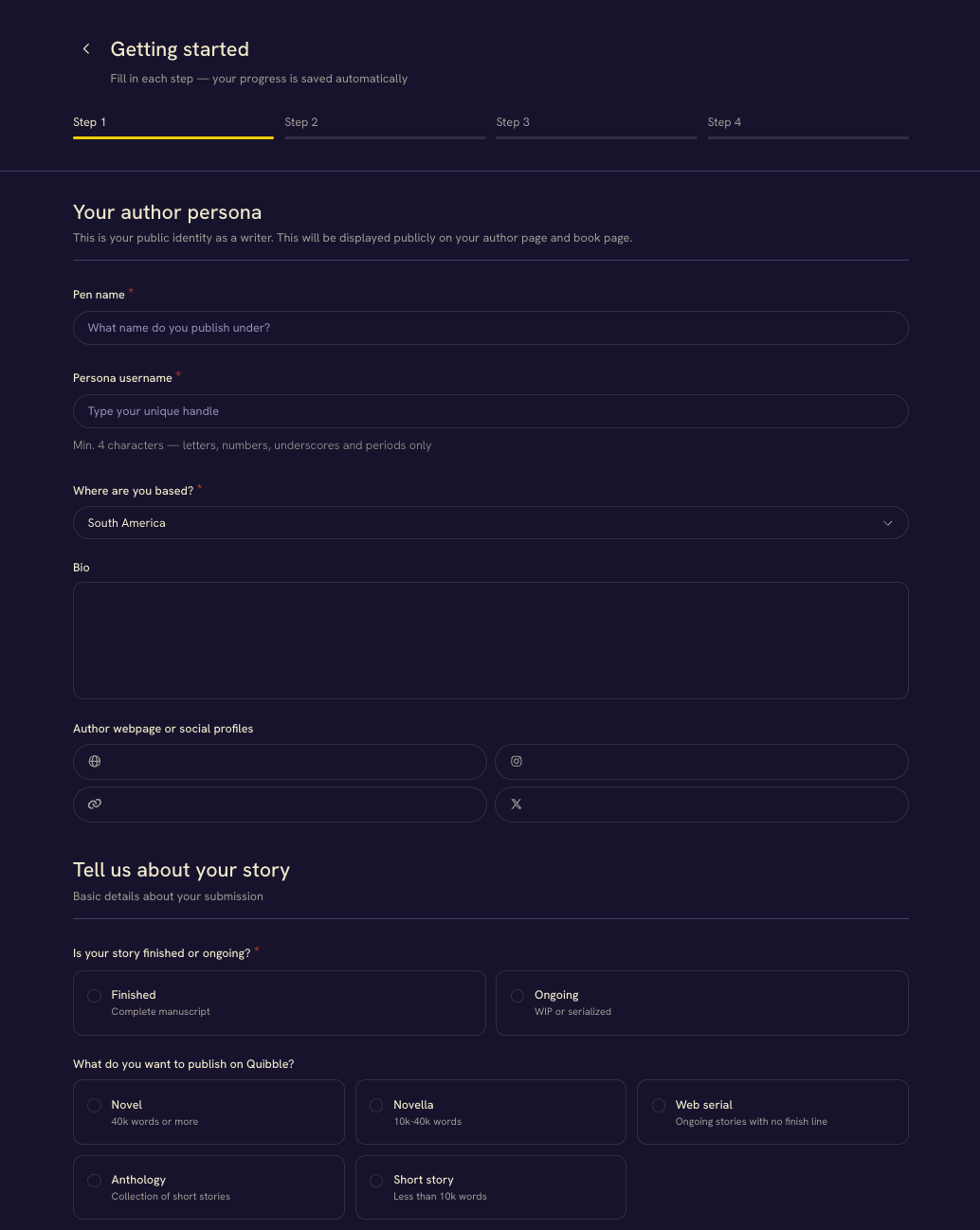
Step 1: Create author profile
New submissions start with your author persona and high-level story information. If you already created an author profile, we automatically reuse it. If not, you can create one here, and we'll save it for all future submissions.
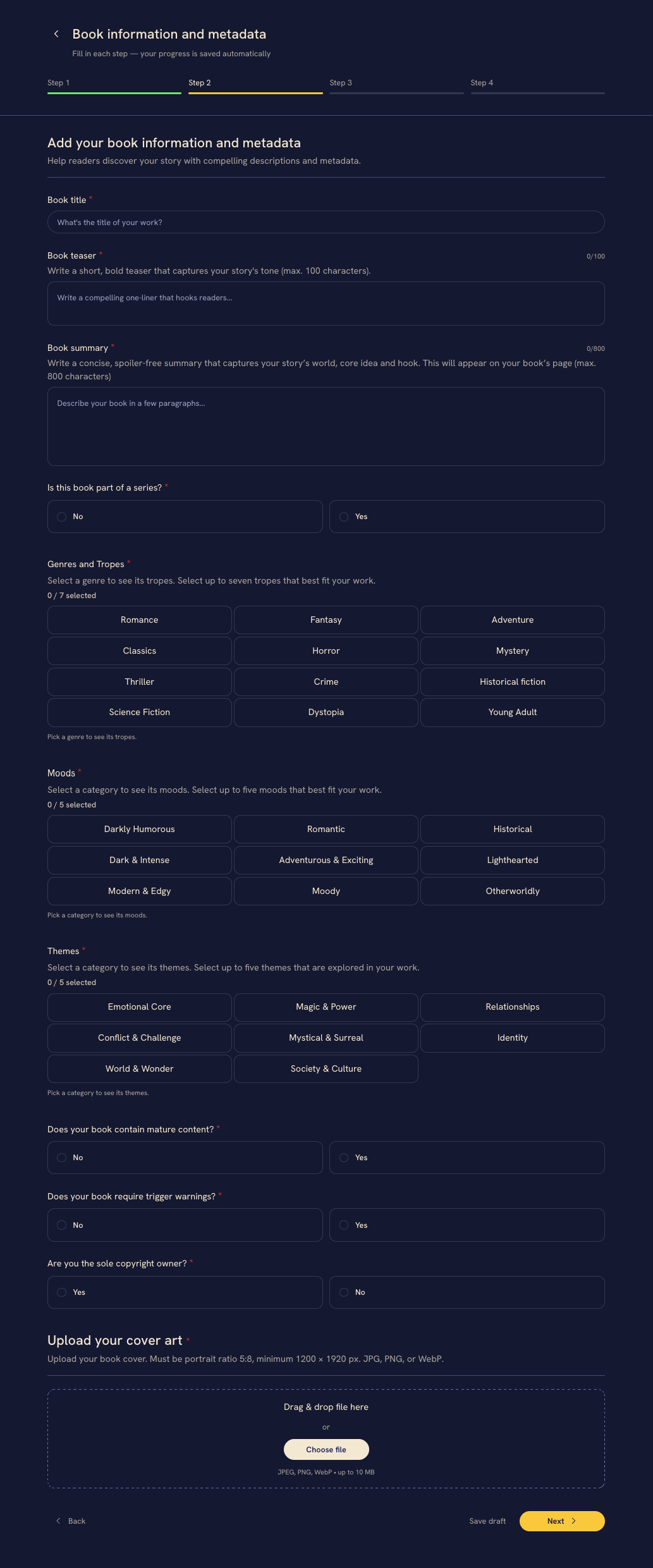
Step 2: Enter book metadata
This step covers your work’s metadata and cover art. We use this data to build your book page and give readers helpful context. Here, you will enter your title, teaser, summary, genres, and tropes. You will also note disclaimers like mature content, themes, or moods.
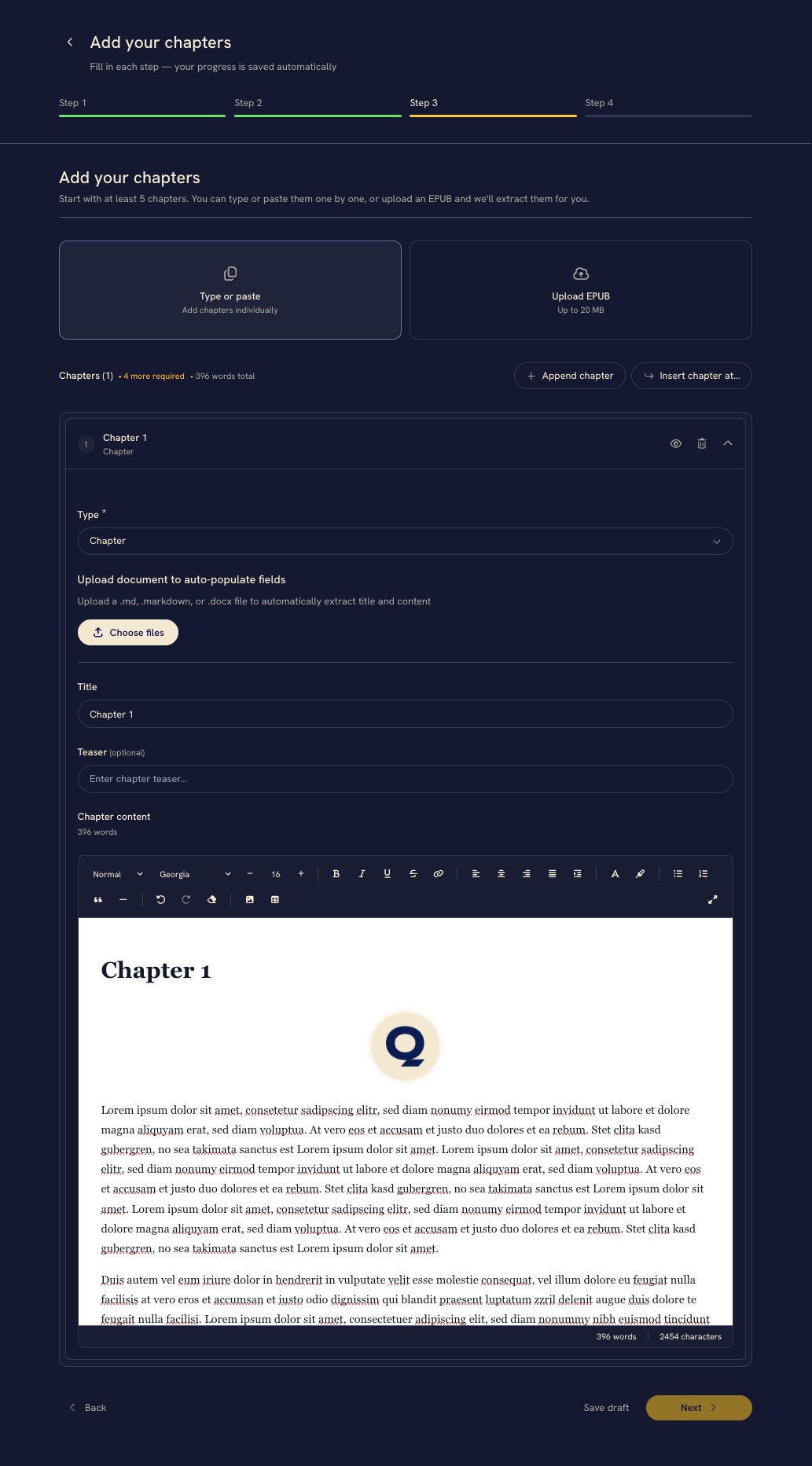
Step 3: Upload content
This is where we've focused most of our effort for this new flow. You can now provide your work content chapter by chapter – either by typing or copy/pasting it, or by uploading a file – or you can upload an EPUB which will be automatically parsed.
Providing a teaser for each chapter is now optional. We recommend adding chapter teasers especially for longer novels as they can make the story feel as though it's constantly moving toward the next revelation or conflict.
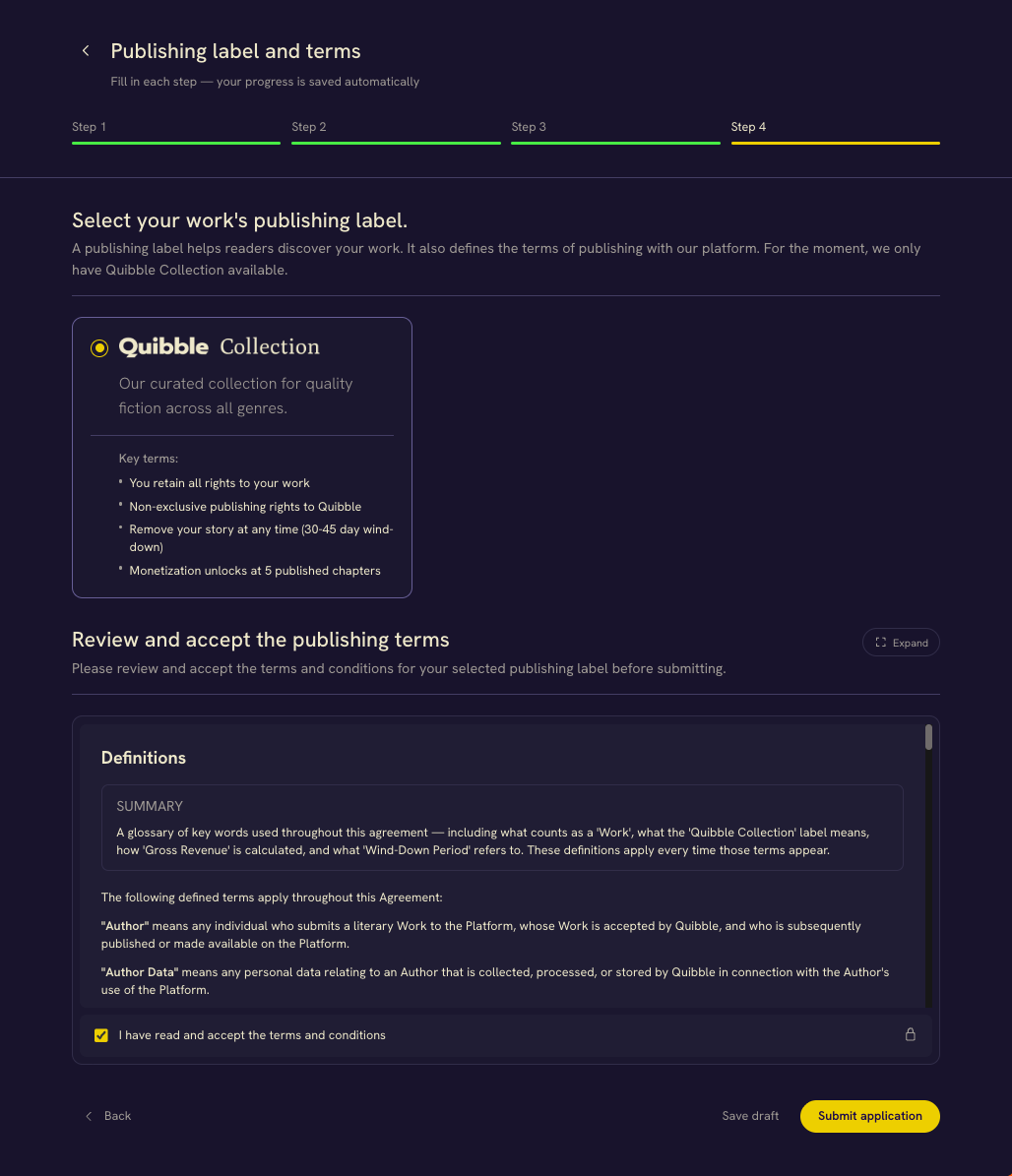
Step 4: Choose publishing label
The final step will let you select the publishing label and accept the publishing term. We'll be adding a new publishing label in the coming weeks. It will allow you to offer your books to readers for free to build an audience.
That's it! Once this is done, the rest is in our hands. Our editorial team will read your story carefully and classify it based on style, stage and syntax. We do this for every book to create a better browsing experience for readers in the age of AI. In other words, book publishing on Quibble is not instant like it is on most web platforms.
After that, we'll schedule it for publication on the app. Due to a recent surge in submission volume, this may take up to a week.
I have an active submission, what should I do?
We saved any input you already provided.
For most submissions, the main change lies in step 3. Here, you will have to provide the full content you want to publish - a step we previously required at a later stage.
To complete your submissions, head to Quibble → click on your avatar → go to "My works" (or click here).
You can find the submissions you need to complete in the "Draft" tab."
That's all about how to publish your book on Quibble! This major update will make book publishing as fast and simple as it gets. Thank you so much for your patience, faith and support.
We're beyond excited to publish your story! If you have any question or run into an issue, please feel free to shoot us an email at [email protected] and our team will be happy to help you.